Connect to an OpenAI compliant model provider/proxy ↗
noOriginal Documentation
Documentation Index#
Fetch the complete documentation index at: https://docs.langchain.com/llms.txt Use this file to discover all available pages before exploring further.
The LangSmith playground allows you to use any model that is compliant with the OpenAI API. You can utilize your model by setting the Proxy Provider for in the playground.
Deploy an OpenAI compliant model#
Many providers offer OpenAI compliant models or proxy services. Some examples of this include:
You can use these providers to deploy your model and get an API endpoint that is compliant with the OpenAI API.
Take a look at the full specification for more information.
Use the model in the LangSmith Playground#
Once you have deployed a model server, you can use it in the LangSmith Playground.
To access the Prompt Settings menu:
- Under the Prompts heading select the gear
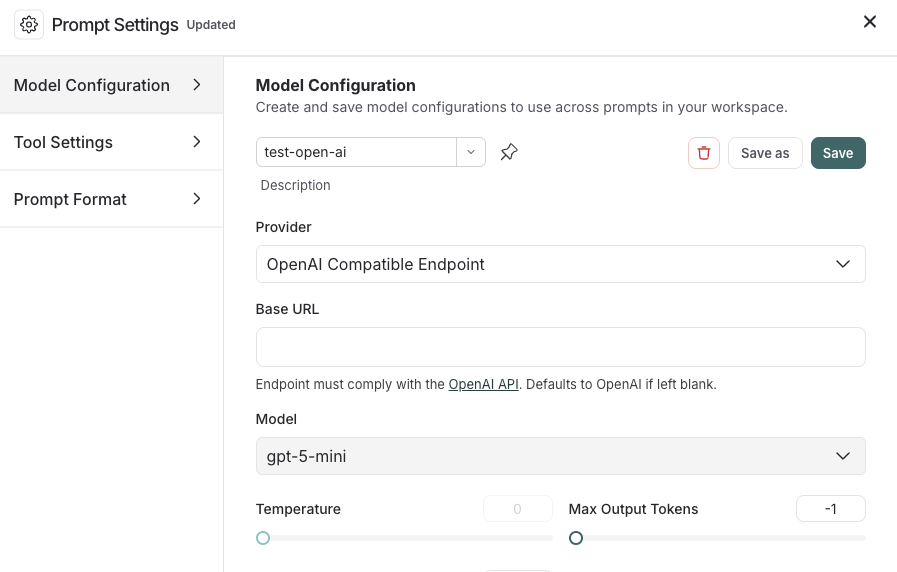
icon next to the model name. - In the Model Configuration tab, select the model to edit in the dropdown.
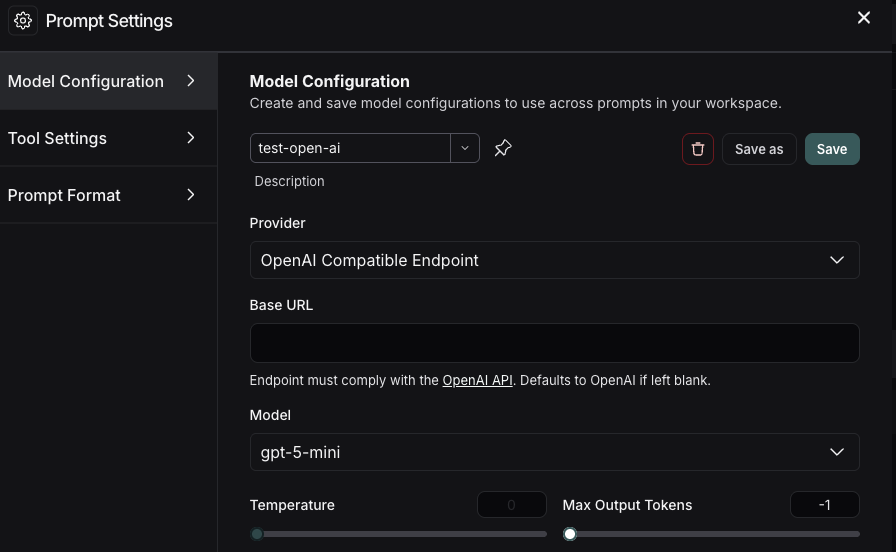
- For the Provider dropdown, select OpenAI Compatible Endpoint.
- Add your OpenAI Compatible Endpoint to the Base URL input.
If everything is set up correctly, you should see the model’s response in the playground. You can also use this functionality to invoke downstream pipelines.
For information on how to store your model configuration , refer to Configure prompt settings.
Edit this page on GitHub or file an issue.
Connect these docs to Claude, VSCode, and more via MCP for real-time answers.