Embed a report ↗
noOriginal Documentation
Documentation Index#
Fetch the complete documentation index at: https://docs.wandb.ai/llms.txt Use this file to discover all available pages before exploring further.
Embed W&B reports directly into Notion or with an HTML IFrame element.
HTML iframe element#
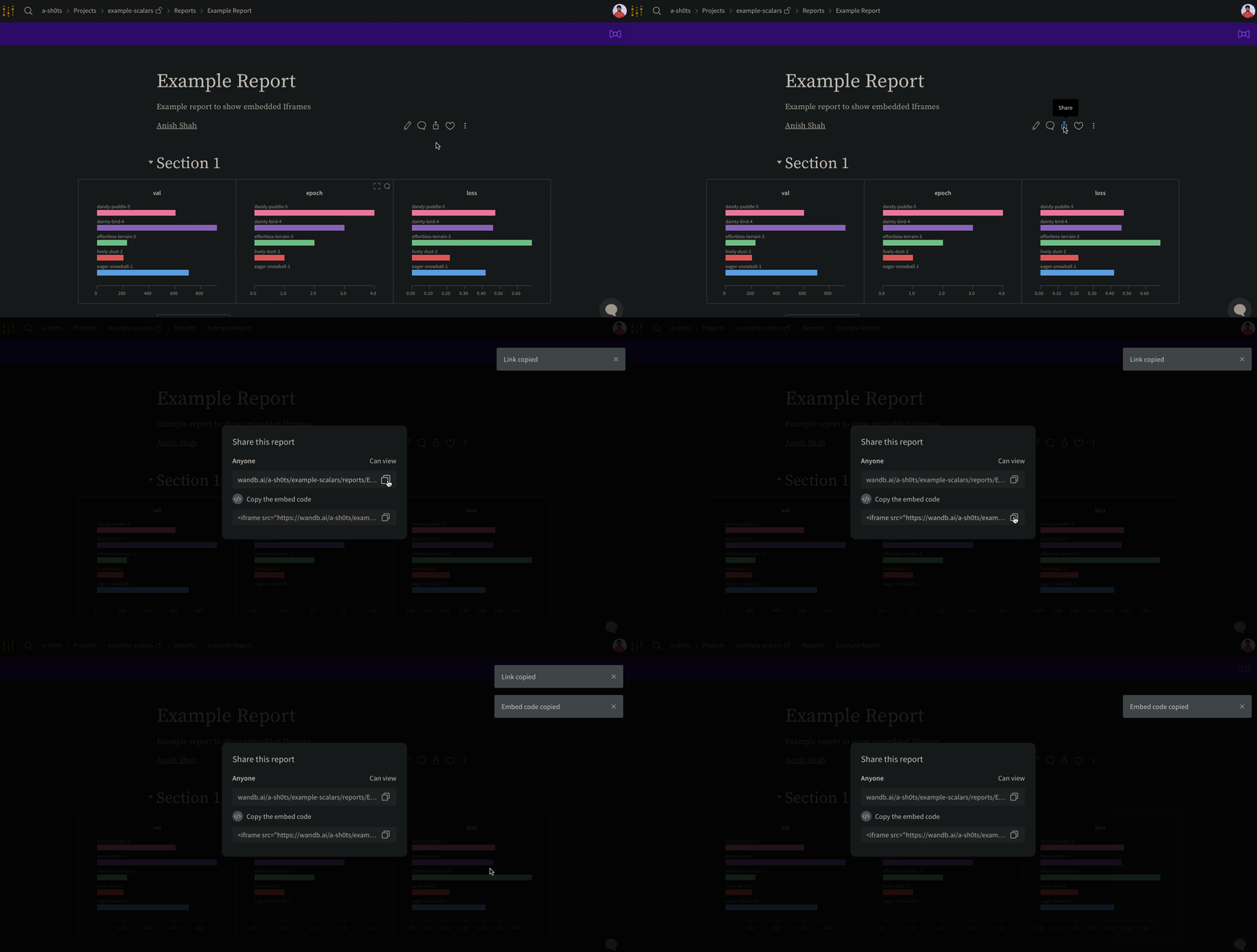
Select the Share button on the upper right hand corner within a report. A modal window will appear. Within the modal window, select Copy embed code. The copied code will render within an Inline Frame (IFrame) HTML element. Paste the copied code into an iframe HTML element of your choice.
Only public reports are viewable when embedded.
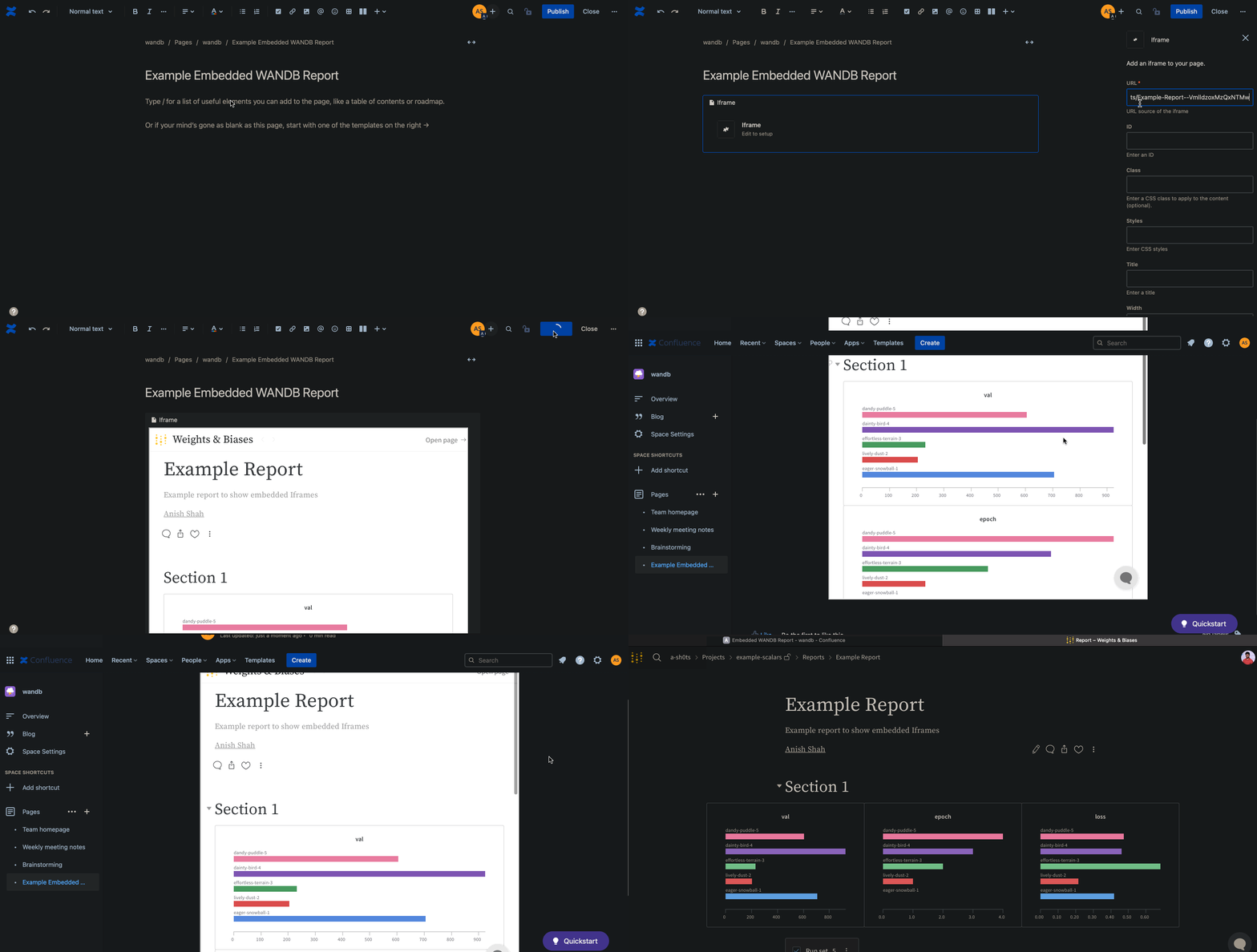
Confluence#
The proceeding animation demonstrates how to insert the direct link to the report within an IFrame cell in Confluence.
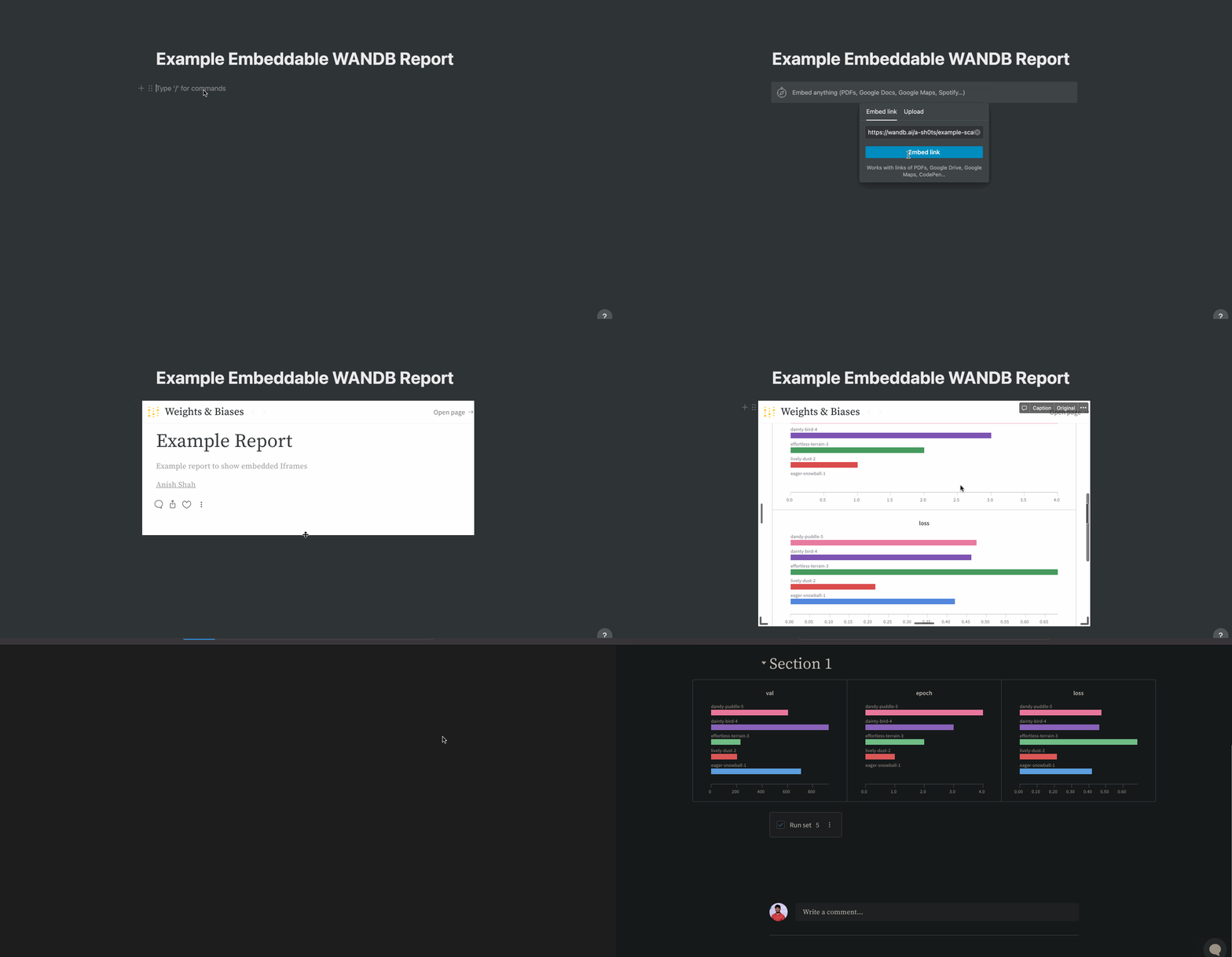
Notion#
The proceeding animation demonstrates how to insert a report into a Notion document using an Embed block in Notion and the report’s embedded code.
Gradio#
You can use the gr.HTML element to embed W&B Reports within Gradio Apps and use them within Hugging Face Spaces.
import gradio as gr


def wandb_report(url):
    iframe = f'<iframe src={url} style="border:none;height:1024px;width:100%">'
    return gr.HTML(iframe)


with gr.Blocks() as demo:
    report = wandb_report(
        "https://wandb.ai/_scott/pytorch-sweeps-demo/reports/loss-22-10-07-16-00-17---VmlldzoyNzU2NzAx"
    )
demo.launch()